See your seat before you buy it.
SeatScape shows you the view from a cinema seat before you book, and tells you straight if it’s a good one.
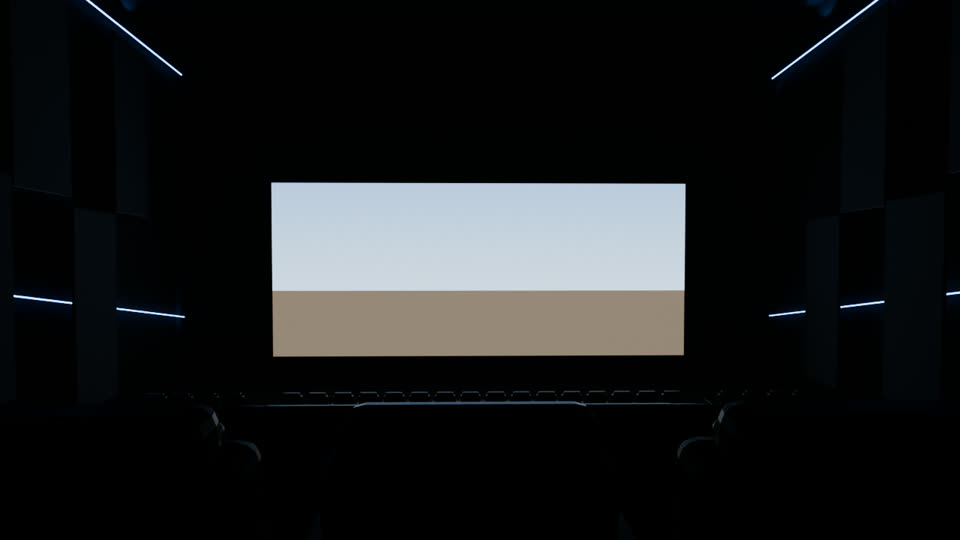
Row L · Seat 12
Sweet spot
The screen fills a comfortable share of your view. Dead centre, eyes level.
A Dolby Cinema room. An estimated view, from a 3D model of the room.
Try it: pick a seatScreen this way ↑
Sweet spotGoodClose or off to the side
How it works
Three taps to a better seat.
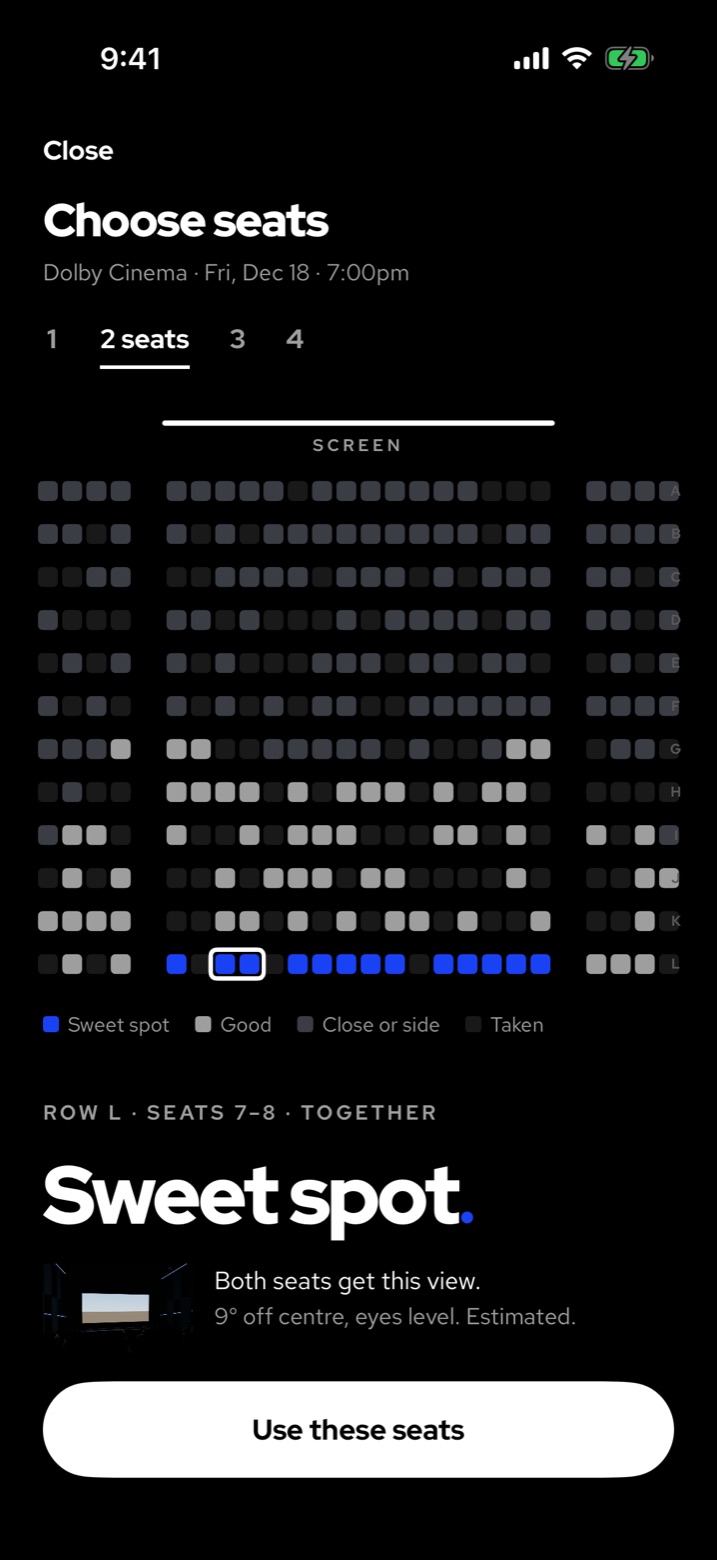
One
Choose your seats
Say how many of you are going. The blue seats are the sweet spots, and the map picks the best free ones together.
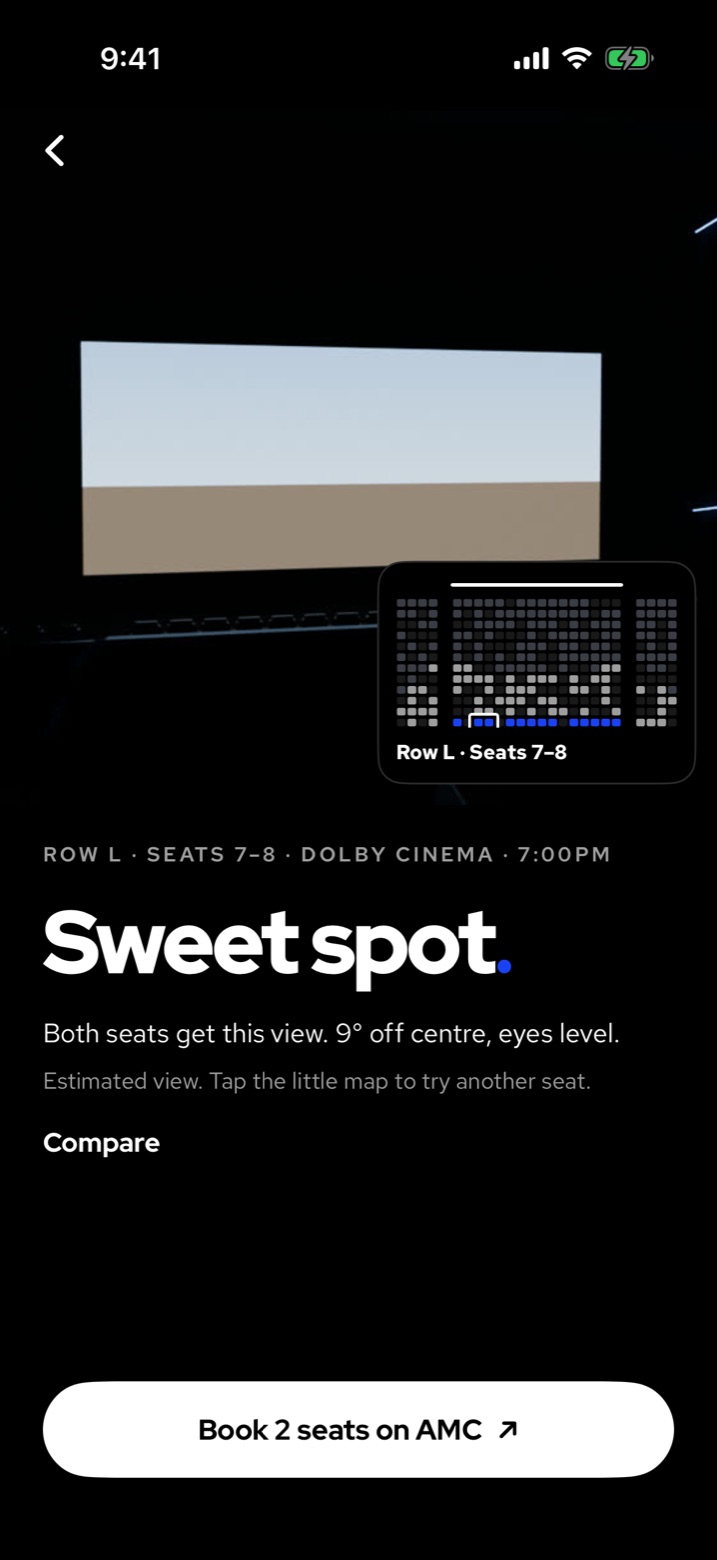
Two
See the view
The room, from your seats. Then a straight answer: Sweet spot, Off to the side or Too close, and why.
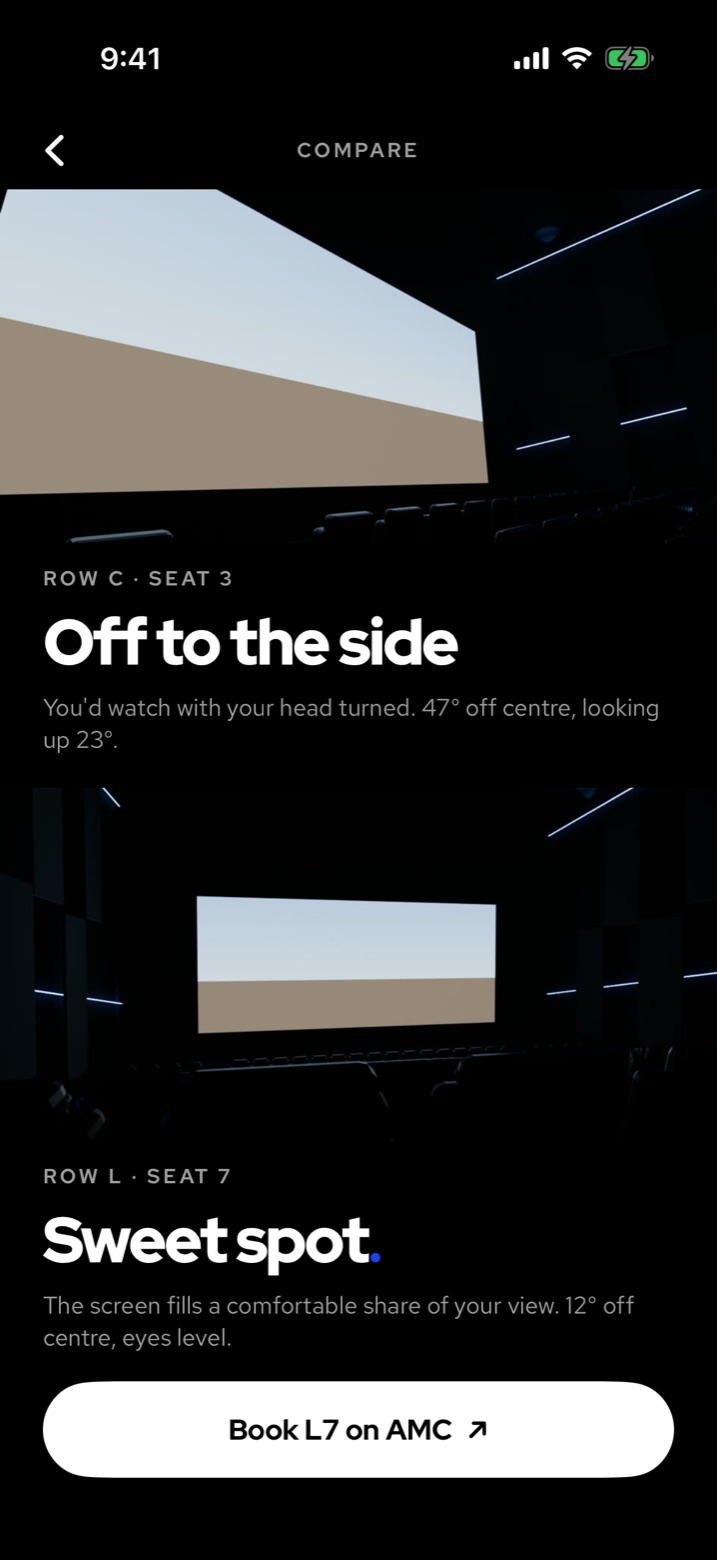
Three
Compare, then book
Put two seats one above the other. Book the better one on AMC, where you buy the tickets.
In the app
- Theatres near youUse your location or type a city. Pick how far you’ll drive.
- Every film tonightAll the showtimes on one screen, with which ones still have a sweet spot open.
- The view from every seatTap around the seat map and the room moves you there.
- Compare two seatsNot sure between two rows? See both views at once.
- Book on AMCSeatScape tells you which seats to pick. AMC sells the tickets.
- A diary of films and seatsLog what you saw and where you sat. It stays on your phone.
Where it works
Built for AMC theatres.
Seat views are added room by room, with premium rooms like Dolby Cinema and IMAX first. Where a room isn’t ready yet, you still get showtimes and booking.